Screen Time Tips for Adults: Reclaim Your Focus and Well-Being
Discover practical screen time tips for adults to improve sleep, mental health, and productivity. Learn how to set boundaries and use tech mindfully.

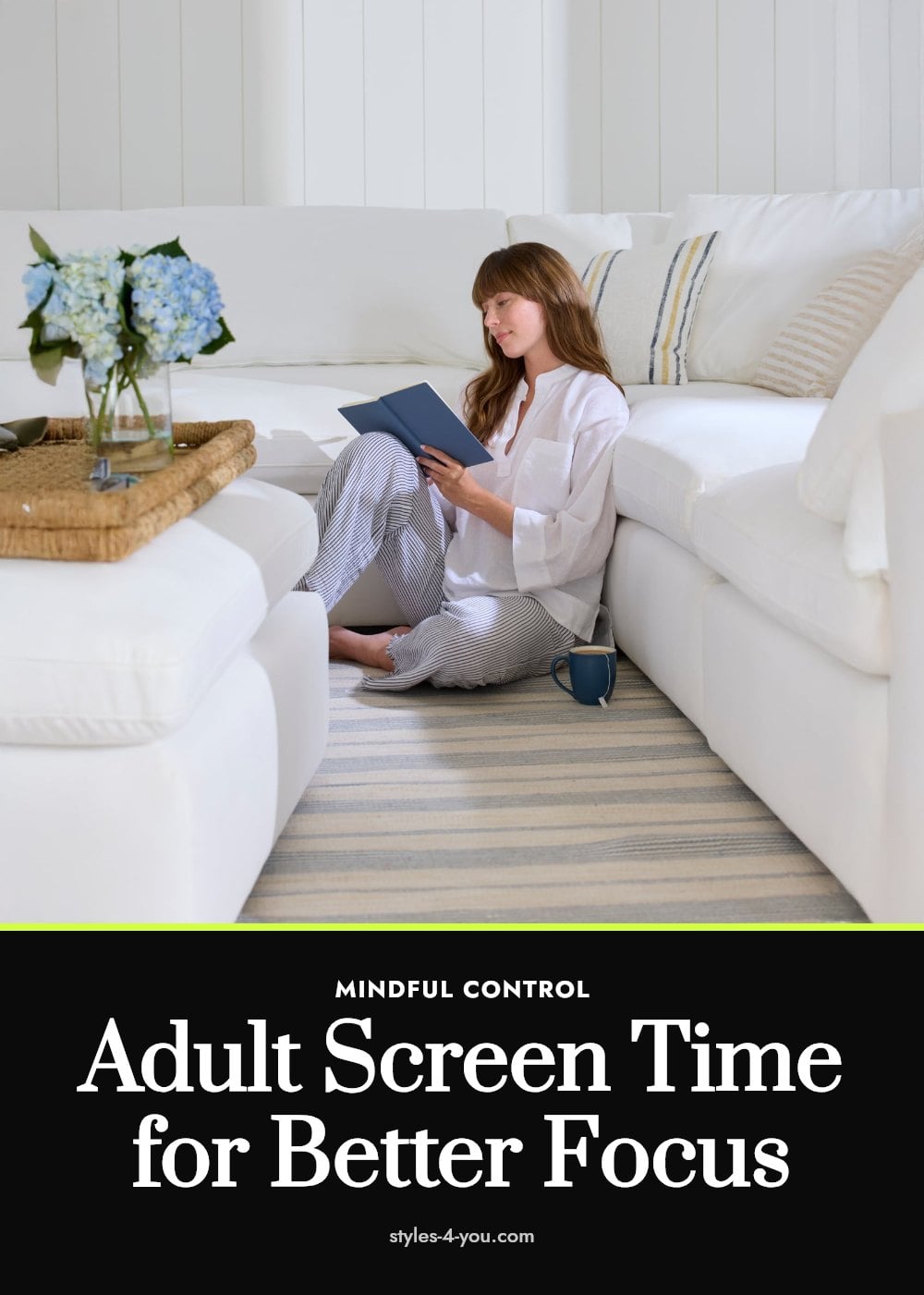
You already know that screen time affects your kids, but what about your own habits? The average adult spends hours each day looking at a screen, and that time can quietly disrupt sleep, raise stress levels, and keep you sitting longer than you planned. This article covers practical, doable strategies to help you take back control of your focus and well-being without giving up your devices completely.
Key Takeaways
- Set tech-free zones like the bedroom and dining table to protect sleep and mealtime connection.
- Batch email and social media into two or three set windows each day instead of checking constantly.
- Stop screen use at least one hour before bed to avoid blue light disrupting melatonin production.
- Use the 20-20-20 rule: every 20 minutes, look 20 feet away for 20 seconds to reduce eye strain.
- Replace a scrolling urge with a real-world activity like reading, walking, or talking to someone in person.
Why Managing Adult Screen Time Matters
Most of us think about screen time for kids, but your own habits matter just as much. Excessive screen use can disrupt your sleep, increase feelings of anxiety, and keep you sedentary for hours. The goal isn’t to ditch your devices completely. It’s about mindful engagement and setting boundaries that let you use technology without it draining your energy or time. Small, intentional changes can help you build a more balanced daily rhythm.
1. Establish Tech-Free Zones
Pick a few spots in your home where screens simply don’t go. The bedroom and the dining table are great starting points.
- Bedroom: Keep phones, tablets, and laptops out of the room to protect your sleep environment.
- Dining table: Make meals a no-screen zone to encourage conversation and mindful eating.
Physical boundaries make it easier to be present. When you sit down in a tech-free zone, your brain gets a clear signal to focus on the people and activities right in front of you.
2. Set Specific ‘Check-In’ Times
Constant checking keeps your brain in a low-grade state of alert. Instead, batch your email and social media into a few set moments each day.
- Choose two or three windows: For example, check once mid-morning, once after lunch, and once late afternoon.
- Stick to the schedule: Outside those windows, close the tabs and silence the apps.
My tip: Pair your check-in times with a natural break, like after finishing a task or before a walk, so it becomes a habit rather than a chore. This approach lowers the pressure to be always available and can noticeably reduce daily stress.
3. Silence Non-Essential Notifications
Every buzz, ping, or pop-up pulls your attention away from what you are doing. That constant interruption raises stress levels and makes it harder to focus.
- Audit your notifications: Go into your settings and turn off alerts for anything that is not urgent, like social media likes, news alerts, or promotional emails.
- Use ‘Do Not Disturb’ mode: Activate it during work hours, meals, and personal time. Most phones let you schedule this automatically.
Good to know: You can usually keep calls and texts from key contacts while silencing everything else. Fewer interruptions mean fewer mental context switches, so you stay in a productive flow longer.
4. Implement a Digital Sunset

Stop using screens at least one hour before bed. Blue light from phones, tablets, and laptops suppresses melatonin production, which signals your body to prepare for sleep. That disruption throws off your circadian rhythm and makes falling asleep harder.
Use that last hour for winding down without a backlit display. Read a paper book, do light stretching, or write in a journal. If you must glance at your phone, switch on night mode and keep the brightness low.
5. Practice Mindful Screen Engagement
Before you reach for your phone, pause and name the reason. Are you checking a work message, looking up a fact, or just avoiding something? That single question separates useful screen time from mindless scrolling.
If the answer is vague, like boredom or habit, put the device down and do something else for ten minutes. You can also set a one-sentence intention before opening an app, for example, “I am checking the weather” and close it once you have the answer.
6. Replace Digital Habits with Real-World Activities

Keep a book, sketchpad, or walking shoes next to your usual sitting spot so the alternative is easy to grab when you feel the urge to scroll. Replacing sedentary screen time with movement or in-person conversation lowers total sitting hours and boosts mood. Even a 15-minute walk or a quick phone call with a friend counts. The goal isn’t to eliminate screens but to make the default choice an active one.
7. Take Regular Screen Breaks

Follow the 20-20-20 rule: every 20 minutes, look at something 20 feet away for 20 seconds. This gives your eye muscles a chance to relax and helps prevent digital eye strain, which often shows up as dry eyes, blurred vision, and headaches.
Set a timer on your phone or computer to remind you. During the 20-second break, blink fully and roll your eyes gently to refresh the tear film. If you work at a screen for hours, pair this with standing up and stretching your neck and shoulders to also address posture-related discomfort.
8. Use Blue Light Filters
Turn on the blue light filter built into your phone, tablet, or laptop, and set it to activate automatically a couple of hours before bed. If your device lacks this feature, blue light filtering glasses are a simple alternative that work across all screens at once.
Blue light suppresses melatonin production, the hormone that regulates your sleep cycle. Filtering it in the evening can help your body wind down naturally, making it easier to fall asleep and stay asleep.
Tip: Enable the filter at the same time every evening so it becomes a consistent cue for your brain to start powering down.
9. Prioritize In-Person Connections
Make a point to see people face to face, not just through a screen. Schedule a walk with a friend, call a family member to meet for coffee, or simply have a conversation with someone in your household without any devices in hand.
In-person interaction engages you in ways digital communication cannot, from reading body language to sharing genuine laughter. It can ease feelings of isolation that sometimes build up when most of your social life happens through a screen.
Pro move: When you catch yourself about to text someone, consider calling them or suggesting a real meeting instead.
10. Monitor Your Posture
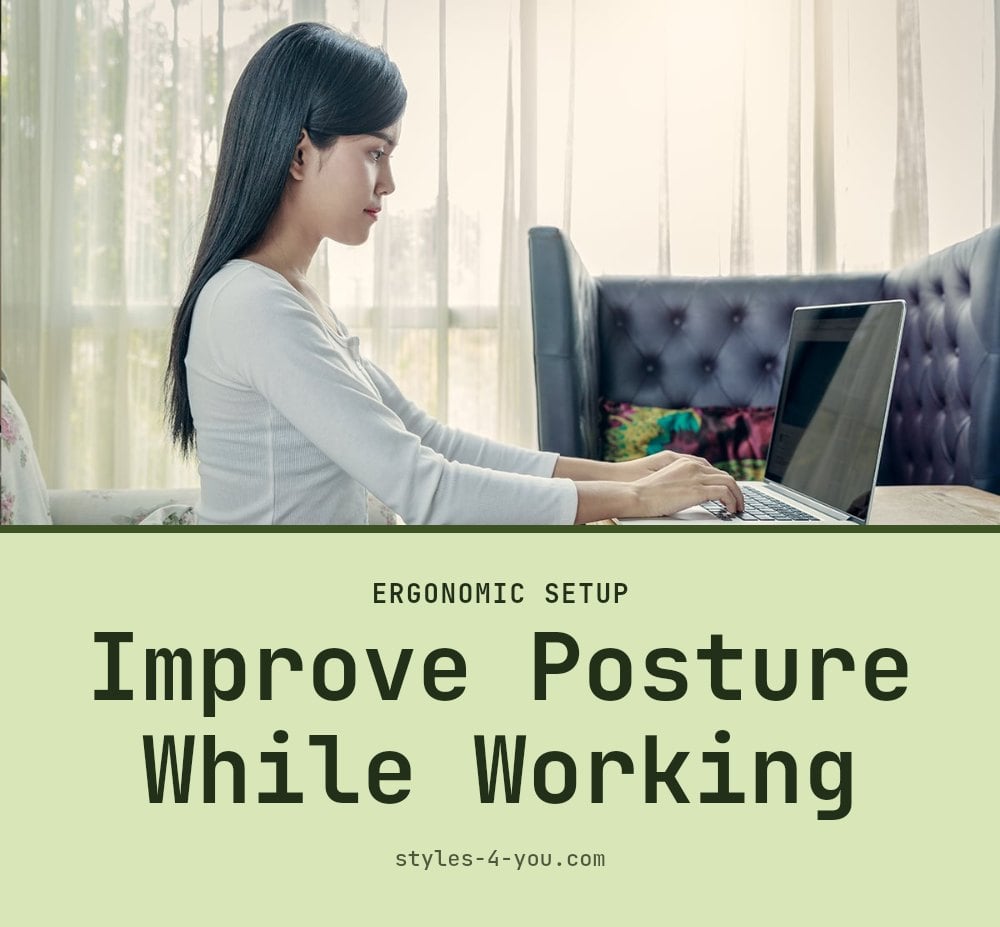
Check your posture the moment you sit down with a screen. Your ears should align with your shoulders, and your screen should sit at eye level so you are not craning your neck forward. That forward head position, often called tech neck, strains the muscles in your neck, shoulders, and upper back.
Set a reminder to straighten up every 30 minutes, or use a posture cue like a sticky note on your monitor. If you already feel persistent neck or back pain, it is worth mentioning to a doctor or physical therapist.
11. Consider Screen Time Tracking Apps
Install a screen time tracking app to see exactly how many hours you spend on your phone each day. Most phones have a built-in version, and third-party apps can give you a breakdown by app, so you can see where the time really goes.
Seeing the raw number is often surprising, and that awareness is the first step toward change. Once you know your baseline, you can set a realistic daily goal and gradually trim from there.
Good to know: Review your weekly report every Sunday and adjust one habit at a time rather than trying to overhaul everything at once.
Common Screen Time Mistakes to Avoid
Believing it’s just for kids: Many adults assume screen time only harms children, but your own sleep, mood, and physical health take the same hit. Your evening scrolling delays melatonin just as much as your teenager’s does.
Going ‘cold turkey’: Trying to eliminate all screens at once usually backfires within days. Gradual changes, like cutting one hour of recreational scrolling or moving your phone out of the bedroom, stick better and feel less like punishment.
Ignoring physical symptoms: Dry eyes, headaches, and neck pain are not minor annoyances. They are common signs of excessive screen use. If they persist, see an eye care professional or a doctor rather than pushing through.
Not distinguishing usage: All screen time is not equal. Work and learning tasks earn their hours; social media and gaming often do not. Track both separately, then cut back on the recreational side first.
Frequently Asked Questions
How much screen time is healthy for adults?
There is no single number that fits everyone, because screen time includes work, learning, and leisure. What matters more is how you use that time and whether it interferes with sleep, physical activity, or real-world relationships. If you notice eye strain, poor sleep, or constant distraction, it may be time to cut back.
Can screen time cause anxiety?
Yes, constant notifications and the pressure to stay connected can raise stress and anxiety levels. Mindless scrolling and comparing yourself to others online may also contribute. If you feel that screen use is making anxiety worse, consider setting boundaries and speaking with a mental health professional.
What are the long-term effects of too much screen time?
Prolonged screen use is linked to increased sedentary behavior, which can affect overall health. It may also lead to digital eye strain, poor posture, and disrupted sleep patterns over time. Managing your screen habits now can help reduce these risks.
Is all screen time bad?
No. Productive screen time, such as working, learning a new skill, or connecting with loved ones, serves a purpose. The problem is mindless or excessive use that replaces sleep, physical activity, or in-person interaction. The key is to be intentional about why you are using a screen.
How can I stop mindlessly scrolling?
Before you pick up your phone, pause and name the reason. If the answer is boredom or habit, put the device down and do something else. You can also set app timers, turn off non-essential notifications, and keep a book or hobby materials nearby as an easy alternative.
Final Thoughts
Start with just one change, like silencing non-urgent notifications or moving your phone out of the bedroom. Consistent effort over a few weeks can lead to noticeable improvements in sleep quality, mood, and focus. Remember, the goal is not to cut screens out entirely, but to use them on your terms.
This article is for general informational purposes only and does not constitute medical or professional advice. If you experience persistent eye strain, headaches, anxiety, or other health concerns related to screen use, consult a doctor, eye care professional, or mental health provider.
More Blog ideas
- Your Essential Guide to a Healthy Feminine Hygiene Routine
- Best High Protein Foods to Eat Daily for Health and Energy
- Feeling Stuck: 12 Small Steps to Get Unstuck
- Winter Skin Survival Tips
- How to Get a Flat Stomach
- How to Fix Damaged Hair and Restore Its Health
- Full-Body Kettlebell Workout
- Dry Scalp vs. Dandruff
- Full Body Workout for Beginners
- 21 Easy Beauty Tips Every Woman Should Know
- Feminine Energy: 15 Daily Habits to Feel More Radiant
- Upper Body Workout for Women at Home